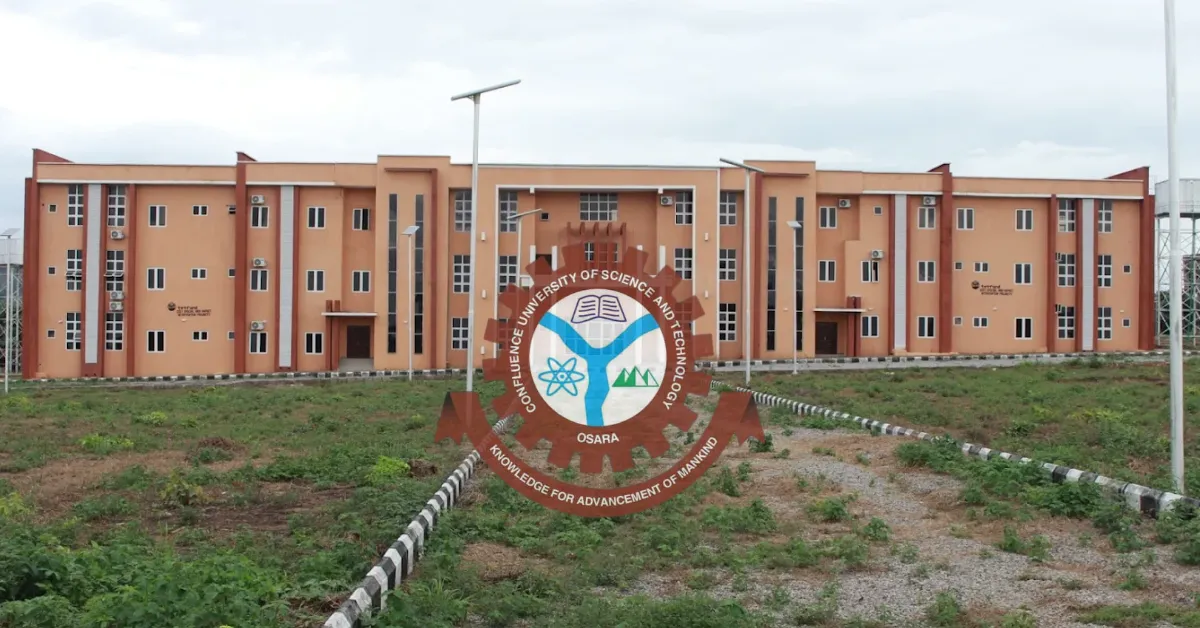
The Confluence University of Science and Technology (CUSTECH) has released the admission list for the 2025/2026 academic session. Candidates who applied for admission and participated in the university's Post UTME screening can now check their admission status online.
If you applied to CUSTECH, this is the stage where all the waiting and checking finally start to make sense. You can check your admission status through the JAMB portal or the CUSTECH admission portal to find out whether you have been offered admission.
CUSTECH Admission List 2025/2026
The CUSTECH admission list contains the names of candidates who have been offered provisional admission into various undergraduate programmes for the 2025/2026 academic session.
Candidates who applied for admission should check their status through the available channels. If you have been offered admission, you should accept the offer on JAMB CAPS and proceed with the next steps required by the university.
How to Check CUSTECH Admission Status on JAMB CAPS
Candidates can check their CUSTECH admission status through the JAMB portal by following the steps below:
Log in with your JAMB details.
Select Check Admission Status.
Choose the relevant examination year.
Enter your JAMB registration number.
Click on the option to check your admission status.
Your admission status may show any of the following:
Admission Status | Meaning |
|---|---|
Congratulations | You have been offered admission and can accept or decline the offer. |
Admission in Progress | Your admission is still being processed. Check again later. |
Not Admitted | You have not been offered admission at the time of checking. |
Candidates who see Congratulations should accept the admission offer on JAMB CAPS if they wish to proceed with the admission.
How to Check the CUSTECH Admission List on the School Portal
Candidates can also check their admission status through the CUSTECH admission portal.
Follow the steps below:
Enter your UTME registration number in the required field.
Provide your name as requested.
Click on Check Status.
View your admission status and admission details.
Candidates who confirm their admission through the school portal should also check JAMB CAPS and accept the admission offer.
What to Do After Receiving CUSTECH Admission
Candidates who have been offered admission should complete the following steps:
Check and accept the admission offer on JAMB CAPS.
Pay the CUSTECH acceptance fee through the approved university portal.
Print the payment receipt.
Complete the required clearance and registration procedures.
Submit the necessary documents for verification.
Pay the required school fees after completing the relevant admission procedures.
You should also keep copies of your admission letter, payment receipts and other important documents for future reference.
How to Pay CUSTECH Acceptance Fee
Candidates who have accepted their admission can pay the acceptance fee through the CUSTECH student portal.
The general procedure is as follows:
Log in using your UTME registration number and password.
Go to the payment section on your dashboard.
Select Acceptance Fee.
Generate the required payment invoice or RRR.
Complete the payment through the available payment channel.
Return to the portal to confirm the payment.
Download and print the payment receipt.
Candidates should ensure that payments are made only through the approved university portal and official payment channels.
Important Information for Candidates
Admission status may not appear for every candidate at the same time, as admission processing and updates may be carried out in batches.
After confirming your admission status, you proceed to check the Academic Calendar and check out the school fees schedule.
Candidates should also avoid paying money to individuals who claim they can secure or upgrade admission. Admission information and payment instructions should be obtained through the approved channels of CUSTECH and JAMB.
Frequently Asked Questions
Q: Is the CUSTECH Admission List for 2025/2026 out?
A: Yes. CUSTECH has released the admission list for the 2025/2026 academic session, and candidates can check their admission status online.
Q: How can I check my CUSTECH admission status?
A: You can check your admission status through the JAMB CAPS portal or the CUSTECH admission portal using your UTME registration number and the required login details.
Q: Does CUSTECH accept second choice candidates?
A: No. Candidates are generally required to choose CUSTECH as their first choice institution or change their institution of first choice to CUSTECH to be considered for admission.
Q: What should I do if my CUSTECH admission status shows Admission in Progress?
A: You should continue checking your admission status as your admission may still be under processing.
Q: What should I do after accepting CUSTECH admission on JAMB CAPS?
A: After accepting the offer, proceed to the CUSTECH portal to complete the required admission procedures and pay the acceptance fee.
Q: How can I pay the CUSTECH acceptance fee?
A: Log in to the CUSTECH admission portal, select the acceptance fee payment option, generate the required payment invoice or RRR, make the payment and print your receipt.


Leave a Reply