
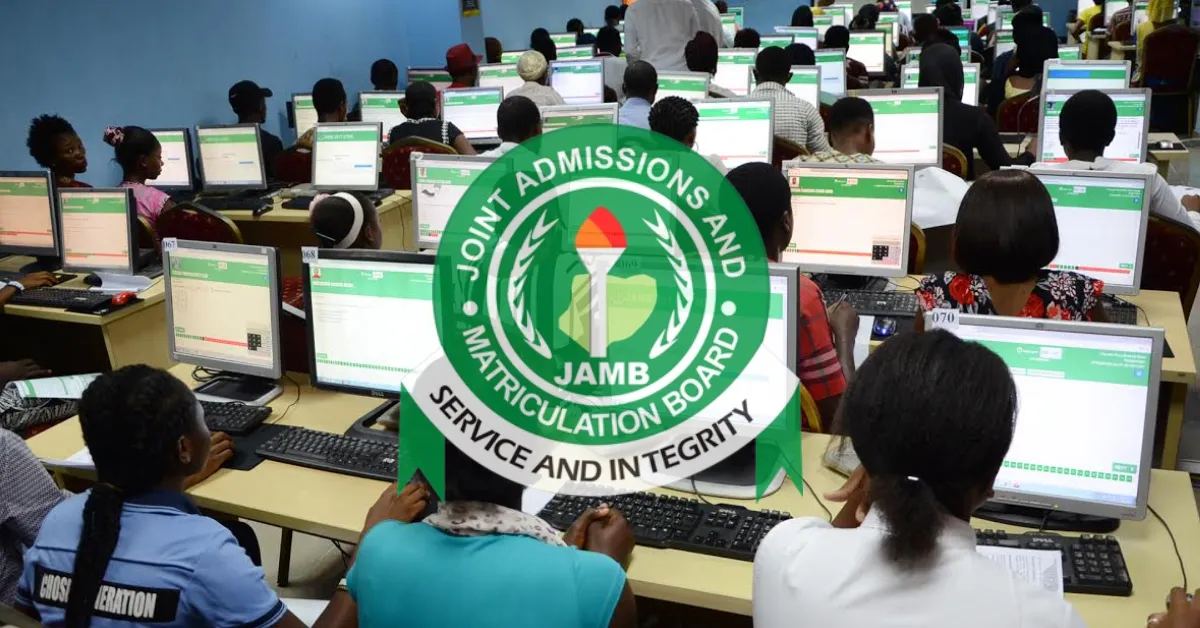
Candidates who took part in the JAMB mock exam can now see how they performed. The results have been released, giving early insight ahead of the main examination.
Update: The Joint Admissions and Matriculation Board confirmed that the 2026 UTME mock results are now available. Participants can check their scores using the approved SMS method provided by the Board.
Below, you will find detailed instructions on how to check your JAMB mock exam results, along with other important information to guide you.
See the latest announcement: JAMB Announces Release of 2026 Mock Exams Results
How to Check JAMB 2026 Mock Result
JAMB has made the process simple and direct for candidates.
To check your result:
Send MOCKRESULT as one word to 55019 or 66019
Use the same phone number linked to your JAMB registration
Ensure you have at least ₦50 airtime on your line
Once the message is sent, your result will be delivered via SMS.
Number of Candidates Who Sat for the Mock
JAMB released figures showing participation across the country.
Category | Number of Candidates |
|---|---|
Registered | 224,597 |
Sat for Exam | 152,586 |
CBT Centres Used | 989 |
These numbers show strong participation, although not all registered candidates completed the exercise.
CBT Centres Delisted After the Exam
Following the mock exercise, JAMB reviewed the performance of CBT centres.
The Board removed over 20 centres due to technical issues and poor performance. This step is aimed at improving the quality of the main UTME experience.
See the latest announcement: More Than 20 Examination Centres Removed from JAMB's Approved List After Mock UTME Chaos
JAMB Warns Candidates Against Fraud
JAMB has issued a strong warning to candidates about online scams.
The Board advised students to avoid individuals, especially on messaging platforms, who claim they can upgrade scores. Such actions are illegal and may result in serious consequences, including the cancellation of results.
Main UTME 2026 Date
JAMB has also confirmed the date for the main examination. The 2026 UTME is scheduled to begin on Thursday, 16 April 2026. Candidates are advised to prepare properly and stay updated.
What to Do After Checking Your JAMB Mock Result
Whether your performance was exactly what you expected, better, or not quite up to par, there are steps you can take to ensure you are on track for the final exam. Here is what you should do next.
Examine your performance in each subject separately. Determine where you excelled and where you can improve.
If any subjects did not go as planned, now is the time to double down on them. Make sure you understand what went wrong and strive to improve.
Make adjustments to your study plan based on the results of your mock exam. Spend more time on subjects where you performed poorly.
If you are having difficulty with a specific topic, consider seeking additional assistance. This could include tutoring, study groups, or online resources.
The more you practice, the better you'll become. Use previous JAMB questions and mock exams to become acquainted with the exam format and improve your speed and accuracy.
Monitor JAMB updates for exam schedules, new instructions, and process changes. Stay informed to avoid missing out on important information.
Frequently Asked Questions
Q: Is the JAMB mock score added to the JAMB score?
A: The score is not added to the main exam, and it is not a requirement to participate in the main exam.
Q: How long does it take for JAMB mock results to come out?
A: JAMB has consistently promised to release exam results within 48 hours of the exam.
Q: How do I check my JAMB results online?
A: To check your JAMB result online, visit the JAMB e-facility portal using a web browser, log in with your registered email and password, and click on "Check UTME Results".
Q: Is mock JAMB important?
A: The truth is: the JAMB mock exam is NOT compulsory, but it is highly recommended.
Q: Can I log in to the JAMB Portal with my registration number?
A: You cannot directly log in to the main JAMB e-facility portal using only your registration number; you must use the email address and password created during JAMB registration.
Q: How long is the JAMB result valid?
A: JAMB (UTME) results are officially valid for one year only.


Leave a Reply