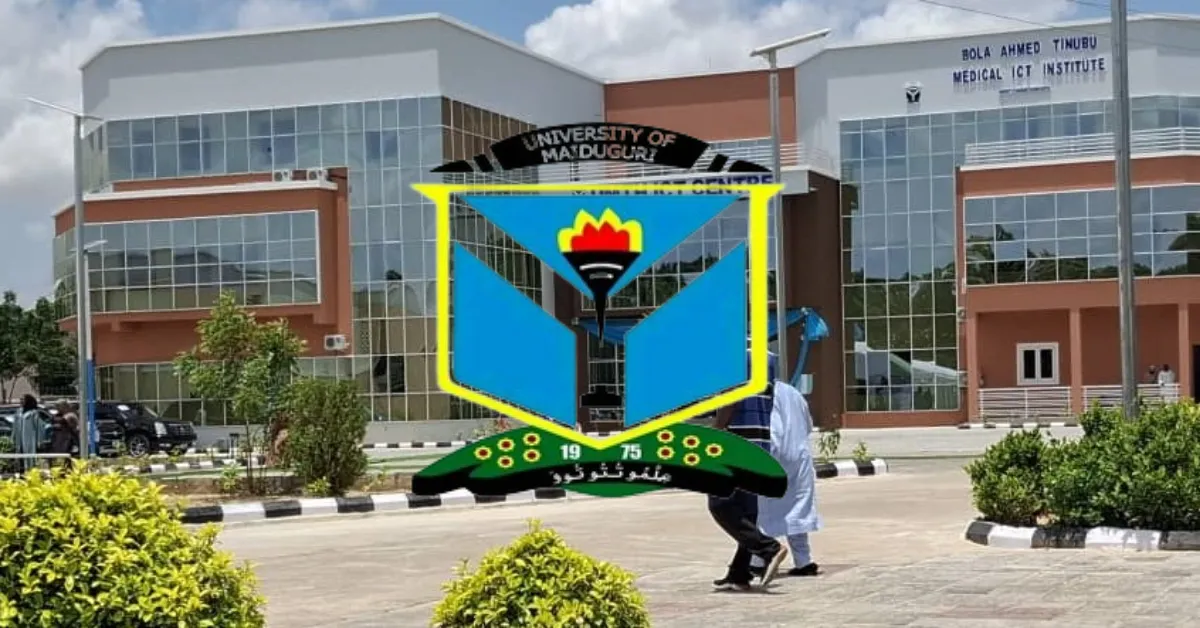
There is always this anticipation that follows the release of the UNIMAID admission list. Prospective students are primarily concerned about when the list will be out and how to access it.
If you sat for the Post UTME screening exercise of the university, pay attention as we will give you all the information regarding the UNIMAID admission list 2025/2026 session, how to check, and possible steps to finalise your admission.
Is the UNIMAID Admission List 2025/2026 Session Out?
The University of Maiduguri (UNIMAID) has started releasing the names of those who were offered provisional admission into the university for the 2025/2026 session.
Candidates can check if they made the admission list by either visiting the university portal or the JAMB portal. The list covers all the departments and faculties within the University of Maiduguri.
How to Check UNIMAID Admission List 2025/2026
You can use any of the methods below to check your name on the UNIMAID admission list.
Check UNIMAID Admission List on the School Portal
To check the University of Maiduguri admission list on the UNIMAID school portal, follow these steps:
Visit the official University of Maiduguri Portal at https://www.unimaid.edu.ng or directly https://portal.unimaid.edu.ng
Click on “Admissions” or “Admission List”
Enter your JAMB Registration Number or Application Number
Click “Check Admission Status”
Your admission status will appear on the screen
If Admitted:
Print your admission letter
Proceed with acceptance fee payment
Complete your clearance/registration
Important:
Sometimes the admission list may not first appear on the school portal. In that case, candidates are advised to first check through JAMB CAPS, then return to the school portal later for further admission processing.
Check UNIMAID Admission List on JAMB CAPS
Visit the Joint Admissions and Matriculation Board portal: https://efacility.jamb.gov.ng/
Log in with your registered email address and password
Scroll down and click "Check Admission Status"
Select your exam year
Enter your JAMB Registration Number
Click "Check Admission Status"
Then click "Access my CAPS"
Select "Admission Status" to view your admission offer
If You Have Been Admitted:
Click "Accept" to accept the admission
Or click "Reject" if you do not want the offer
After accepting, print your JAMB Admission Letter for clearance purposes
What to do if Offered Admission to UNIMAID
If you have been offered admission into the University of Maiduguri, here are the important steps you should take to secure your admission successfully:
Accept the Admission on JAMB CAPS: Log in to the JAMB CAPS portal and accept your admission offer to confirm your interest in the admission.
Print Your JAMB Admission Letter and Result Slip: After accepting the admission, print your JAMB admission letter and original result slip, as they will be required for clearance.
Visit the University of Maiduguri Portal: Log in to the university portal to begin the school’s admission processing and follow the instructions provided.
Pay the Acceptance Fee: Make the required acceptance fee payment within the deadline to secure your admission offer.
Prepare for Clearance/Screening: Get all necessary documents ready, including:
O-Level result(s)
JAMB admission letter
JAMB result slip
Birth certificate
Certificate of origin
Passport photographs
Acceptance fee receipt
Complete School Fees Payment: After clearance, pay your school fees through the university portal.
Register Your Courses: Proceed with course and programme registration after your fees have been confirmed.
Apply for Hostel Accommodation: If hostel accommodation is available, apply early to improve your chances of getting a space.
Check the Portal Regularly for Updates: Monitor the official University of Maiduguri portal for updates on resumption, orientation, and registration deadlines.
Following these steps carefully will help you secure your admission and complete your registration process smoothly.
Frequently Asked Questions
Q: Why is my name on the PDF list but not on the portal?
A: This is usually a data synchronisation delay. Visit the ICT centre with your JAMB result slip to have your profile updated.
Q: When did the UNIMAID Admission Letter portal open?
A: The portal officially opened for the 2025/2026 session on Friday, January 2, 2026.
Q: Can I pay the acceptance fee at any bank?
A: Yes, provided you generate the remita retrieval reference (RRR) from the UNIMAID portal first.
Q: Is there a deadline for course registration?
A: Yes, ensure you register your courses before January 30th, 2025.
Q: When does physical screening begin?
A: Physical screening kicks off on the resumption date.



Leave a Reply