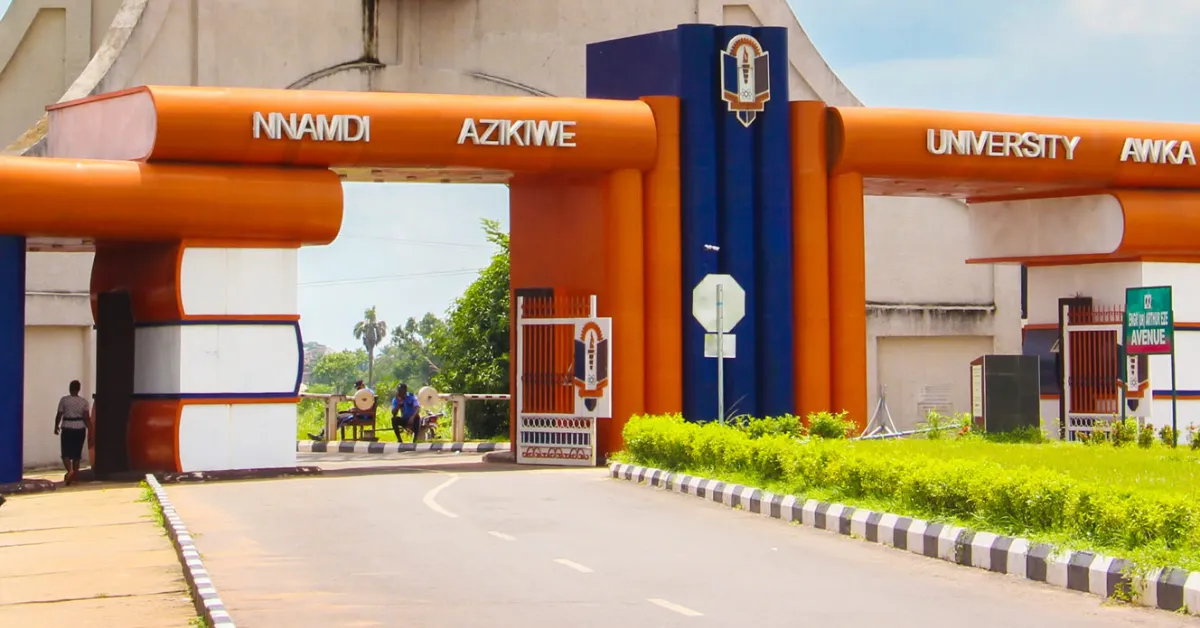
Getting into UNIZIK is a big deal, and checking the admission list is the moment all that hard work finally pays off. Think of this list as the university's official welcome sign. It is a document released in batches that shows exactly who has been chosen to join the school. If your name is there, it means you have successfully cleared the hurdles of JAMB and the school's own screening process.
Is UNIZIK Admission List for the 2025/2026 Session Out?
Nnamdi Azikiwe University (UNIZIK) admission list for the 2025/2026 academic session has been released. This is an official notice to all prospective students who took part in the Post UTME screening exercise of the university that they can now check their JAMB CAPS to check if they have been offered admission.
How to Check the Admission List on the JAMB Portal
Confirming your admission on CAPS is mandatory. Even if your name appears on the school's portal, the offer is not valid until accepted on CAPS. Follow these steps:
Visit efacility.jamb.gov.ng
Log in with your registered email address and password
Click on Check Admission Status,
Click on Access my CAPS
Click on Admission Status to see if you have been offered admission.
How to Check the Admission List on UNIZIK Portal
You can confirm your admission on the school's portal by using the steps below:
Visit myedu.unizik.edu.ng
Log in with your username and password
Click on check admission status
Enter your JAMB registration number
Click on submit to see if you have been offered admission.
Next Phase After Being Offered Admission in UNIZIK
Accept Admission:
It does not just end at seeing your admission on your JAMB CAPS; the most important step is clicking on the accept icon under the congratulatory message. Without accepting your admission, the JAMB database does not recognise you as a student of UNIZIK.
Printing Admission Letter:
After accepting your admission on the JAMB CAPS, you have to print your JAMB Admission Letter from the Portal. It usually comes in two copies, one for institutional use and the other for candidates' use. This admission letter will be submitted during your documentation at UNIZIK.
Acceptance Fee:
To fully claim your admission in UNIZIK, all newly admitted students have to pay a non refundable acceptance fee to the university. This payment is done by generating a Remita invoice from the UNIZIK portal and making payment at any commercial bank. The university gives all newly admitted students four weeks after being offered admission to pay the acceptance fee.
How to Pay UNIZIK Acceptance Fee
Follow these steps to pay the UNIZIK acceptance fee:
Log in using your username and password
Select acceptance fee
Enter your JAMB registration number
Click on generate invoice
A document will appear with a 12 digit remita retrieval reference (RRR) number.
Make a payment by visiting any commercial bank or paying with an ATM card.
After paying, return to the university portal to confirm your payment
Click on clearance and then undergraduate regular.
Log in with your JAMB number.
The system will ask you to perform a facial capture.
Frequently Asked Questions
Q: Where can I check the admission list first?
A: Always check JAMB CAPS first. The school portal usually updates a few days or weeks after JAMB.
Q. How long do I have to accept my admission on JAMB CAPS?
A: You generally have 4 weeks to accept or reject the offer before it is forfeited.
Q: Do I need to pay to check my admission status?
A: Checking is free, but you will eventually need to pay to print your original JAMB admission letter.
Q: Can I proceed with school fees payment after paying the acceptance fee?
A: If the school fees portal has been activated, then you can make a payment.
Q: Can I get admission without writing the Post UTME?
A: No, you must participate in the screening (even if it's just the online document screening) to be eligible for the list.
Q: When does the supplementary list come out?
A: Usually, in December or January, after the merit list registration has stabilised.



Leave a Reply