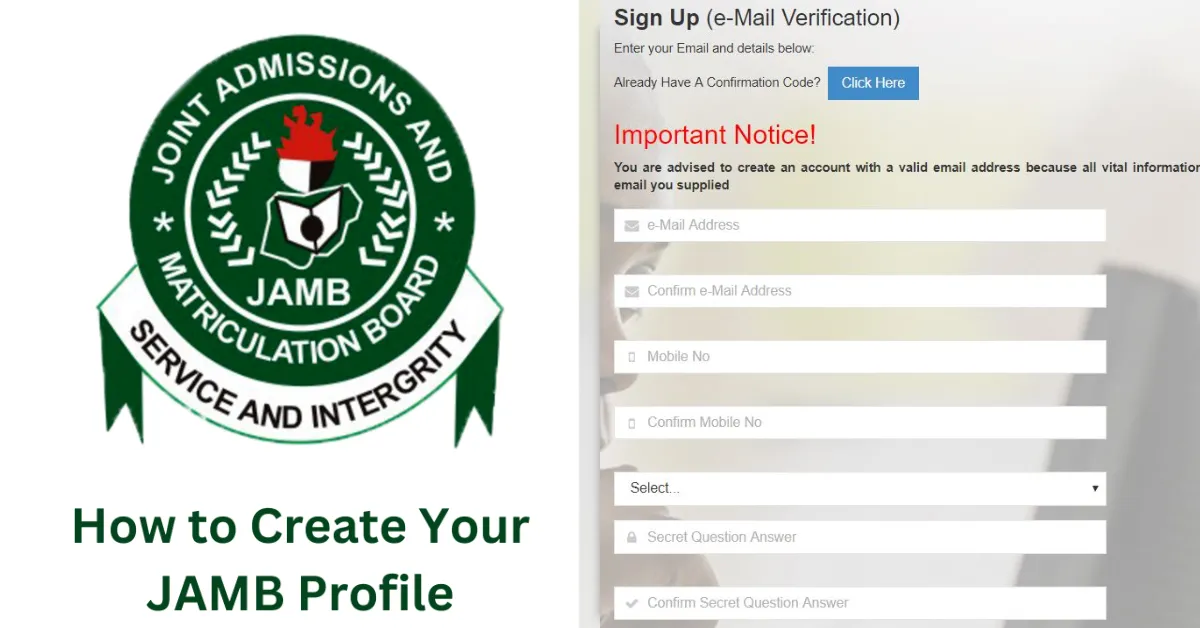
Every candidate who wants to register for the Joint Admissions and Matriculation Board UTME must first create a JAMB profile. Without this profile, it is impossible to register for the examination, buy the ePIN, or access other important services.
Your JAMB profile acts as your personal account on the JAMB portal. It stores your registration details, exam information, admission status, and other important updates.
Keep reading to learn how to create a JAMB profile, the requirements you need, and common mistakes candidates should avoid.
What is a JAMB Profile?
A JAMB profile is an online account created by candidates on the JAMB portal. It allows you to perform several important tasks, such as:
Register for UTME
Purchase JAMB ePIN
Check admission status
Accept or reject admission through CAPS
Without creating this account, you cannot proceed with JAMB registration.
Requirements to Create a JAMB Profile
Before creating your profile, make sure you have the following:
A valid email address
A working phone number
Your National Identification Number (NIN)
Personal details such as date of birth and state of origin
These details will be used during the profile creation process.
How to Create a JAMB Profile Using SMS
The easiest way to create a JAMB profile is through SMS.
Follow these steps:
Open the messaging app on your phone.
Type NIN followed by your 11 digit NIN number.
Send the message to 55019 or 66019.
Wait for a reply from JAMB containing your JAMB profile code.
After sending the message, you will receive your 10 digit JAMB Profile Code.
This code is required when purchasing the JAMB ePIN and during registration.
How to Complete Your JAMB Profile on the Portal
After generating your profile code, the next step is to complete your registration online.
Follow these steps:
Click on Create eFacility Account.
Enter your email address and personal details.
Create a password for your account.
Confirm your email address.
Log in to your dashboard.
Once completed, your JAMB profile will be active.
Why Your JAMB Profile is Important
Creating your profile gives you access to several services on the JAMB portal.
These include:
UTME registration
Admission status checking
CAPS admission monitoring
Changing Institution after registration
Changing courses after registration
Access to JAMB updates
It also helps ensure your details are correctly recorded in the JAMB database.
Common Problems When Creating a JAMB Profile
Some candidates may encounter issues while creating their profile.
Common problems include:
Wrong NIN details
Make sure your NIN information matches your personal data.No response after sending SMS
Check that you have sufficient airtime and resend the message.Invalid email address
Always use an email address that is active and accessible.
If problems persist, visit an accredited JAMB CBT centre for assistance.
Frequently Asked Questions
Q: Is creating a JAMB profile compulsory?
A: Yes. Every UTME candidate must create a JAMB profile before registration.
Q: How much does it cost to generate a JAMB profile code?
A: The SMS costs about ₦50 depending on your network provider.
Q: Can I create my JAMB profile online without SMS?
A: No. The profile code must first be generated through SMS using your NIN.
Q: Can I use the same email for two JAMB profiles?
A: No. Each candidate must use a unique email address.
Q: Can I change my email after creating a JAMB profile?
A: Yes, but this may require assistance from an accredited CBT centre.



Leave a Reply