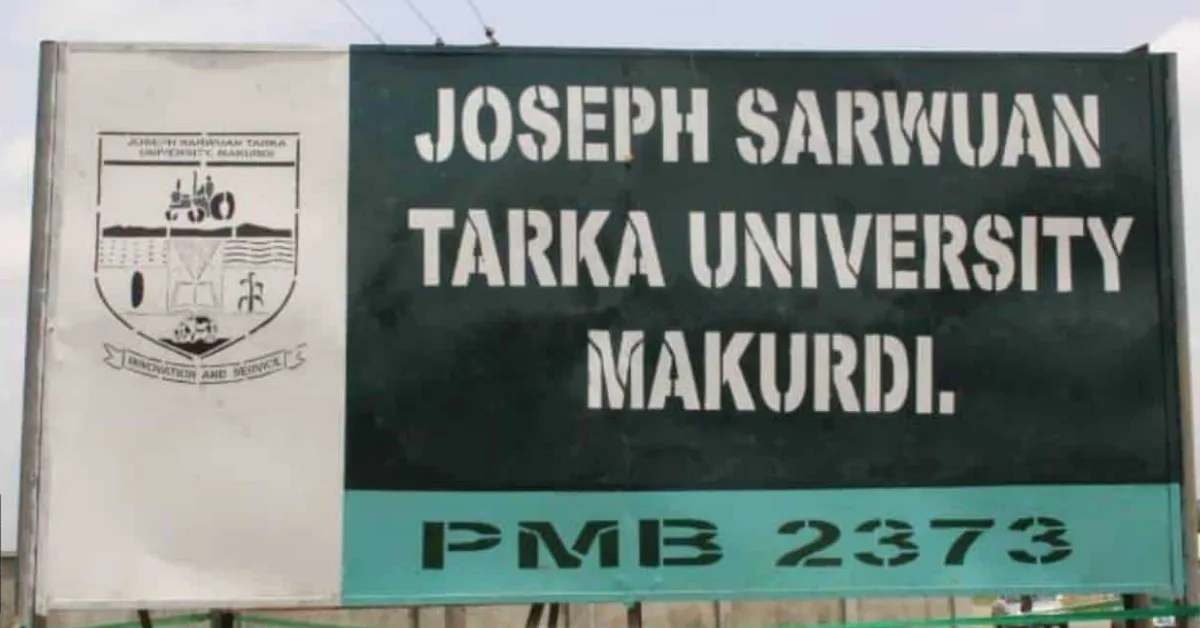
Getting into university is a big moment for many candidates across Nigeria. After months of preparing for UTME, completing screening registration, and waiting through the admission process, the next thing most applicants look forward to is the release of the admission list.
If you applied to Joseph Sarwuan Tarka University, Makurdi (JOSTUM) for the 2025/2026 academic session, there is good news. The university has released the provisional admission list for candidates who completed the admission screening exercise.
This means applicants can now check their admission status online through the Joint Admissions and Matriculation Board (JAMB) portal. Candidates who find their names on the list can proceed to accept their admission and begin preparations for registration at the university.
How to Check JOSTUM Admission List 2025/2026
The JOSTUM admission list is available through the JAMB CAPS portal. Follow the steps below to check your admission status.
Visit the JAMB eFacility portal at https://efacility.jamb.gov.ng
Log in with your registered email address and password
Click Check Admission Status
Select Access my CAPS
Click Admission Status
If you have been admitted, your details and photo will appear on the screen along with a congratulatory message confirming your admission.
If admission has not yet been offered, you will see a message stating No Admission Given Yet.
Candidates who have not been admitted yet should keep checking the portal because additional batches of the admission list may still be released.
How to Accept or Reject JOSTUM Admission on JAMB CAPS
Candidates who receive admission must respond to the offer through JAMB CAPS.
You can do this in two ways.
Option 1: Accept or Reject on the JAMB Portal
Log in to https://efacility.jamb.gov.ng/
Click Admission Status
Select Accept Admission or Reject Admission
Option 2: Accept Admission via SMS
Send ACCEPT or REJECT as an SMS to 55019 or 66019 using the phone number linked to your JAMB profile.
Candidates are given four weeks to accept the admission offer. Failure to accept within this period may lead to the admission being withdrawn.
If you no longer have access to the phone number used during registration, visit a JAMB accredited CBT centre to complete the process.
What to Do After Accepting JOSTUM Admission
After accepting the admission offer on CAPS, candidates should complete the following steps:
Print your JAMB admission letter
Print your JAMB result slip
Pay the acceptance fee of ₦5,000 and then the school fees upon resumption
Wait for the university to release registration and clearance guidelines
Prepare documents required for school registration
The admission letter is particularly important because it will be required during clearance and registration at JOSTUM.
Important Note for Phone Users
Some candidates may not see the Admission Status option when using a mobile phone.
If this happens:
Open the portal using Google Chrome
Click the browser menu
Select Request Desktop Site
This will display the full JAMB CAPS page and allow you to check your admission status properly.
What If Your Name Is Not on the Admission List?
If your name does not appear yet, do not panic. Admissions are often released in multiple batches.
You should:
Continue checking the JAMB CAPS portal regularly
Ensure your O'level results are uploaded to JAMB CAPS
Confirm that JOSTUM is still your first choice institution
Once additional lists are released, more candidates may receive admission offers.
Frequently Asked Questions
Q: Has the JOSTUM admission list for 2025/2026 been released?
A: Yes. The admission list for the 2025/2026 academic session has been released, and candidates can check their status on the JAMB CAPS portal.
Q: When will JOSTUM resume for the 2025/2026 academic session?
A: According to the academic calendar, student registration begins on 17 November 2025, while all students resume fully on 4 January 2026.
Q: Where can I check the JOSTUM admission list?
A: Candidates can check their admission status through the JAMB eFacility portal by logging into their CAPS dashboard.
Q: How long do I have to accept the admission offer?
A: Yes. Hostel accommodation is available for all students who apply on time, as spaces are limited.
Q: Can I check the admission list on my phone?
A: Yes. However, you may need to enable desktop mode on your browser to see the full CAPS interface.
Q: What if my name is not on the admission list yet?
A: Keep checking the portal regularly because the university may release additional batches of the admission list.


Leave a Reply